Helping Teams Learn Features Through Cleaning Apps
When new tech rolls out across cleaning teams, there’s often a short window to make it work smoothly before things settle into old routines. Training gets delayed, features get ignored, and the app that should help staff ends up left alone. That’s a common story with any new system, especially on busy shifts. A cleaning services app should make it easier to manage tasks, track time, and stay on top of what’s happening. But if people aren’t sure how it ties into their day, they’ll stop using it properly or stop altogether.
We’ve found that the best results come from simple steps done early. Teams don’t need everything thrown at them on day one. What they do need is to see how the app connects to their daily jobs. If they can see how it helps them, they’ll stick with it.
Build Basics Into the First Week
It helps if new starters get hands-on with the app right from the beginning. The first day is busy enough without turning it into a full training session, but that doesn’t mean we skip it.
- Get every new team member logged in during their first shift
- Focus on one or two basic features like checking in, checking out, and seeing assigned work
- Show how each action directly matches something they’re already doing, like unlocking a supply closet or noting what’s been cleaned
If we keep things simple early on, they get comfortable without pressure. Once that’s in place, we can show more of the app over time. This gradual approach helps to lower any anxieties about using new technology and provides the time to learn each step properly.
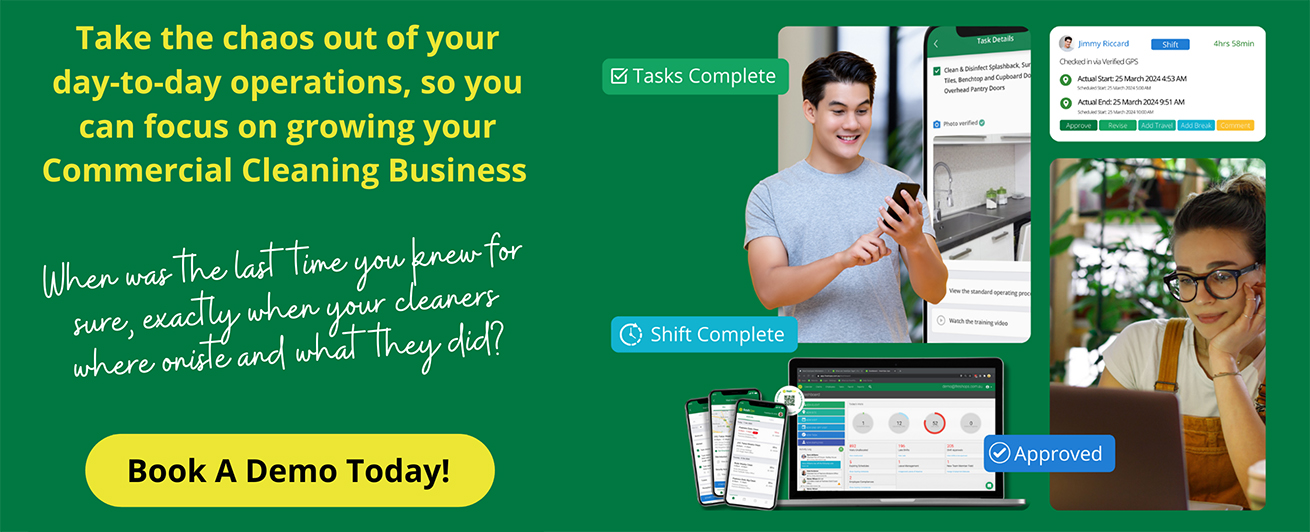
With freshOps, new starters can check in and out on their first day, get their assigned cleaning checklist, and start learning task tracking by seeing what really matters for each shift. This ensures staff begin building their skills naturally and see immediate benefits from using the app.
Use Daily Tasks to Reinforce Features
It’s easier to learn when the practice matches the job. That’s why pairing app features with real work tends to stick. If someone’s already cleaning the breakroom or sanitising touchpoints, it makes sense for them to use the task section while doing it, not after.
- Tie app use to actual shifts immediately, not just big-picture tasks
- Use checklists as a live tool, not just a record after the fact
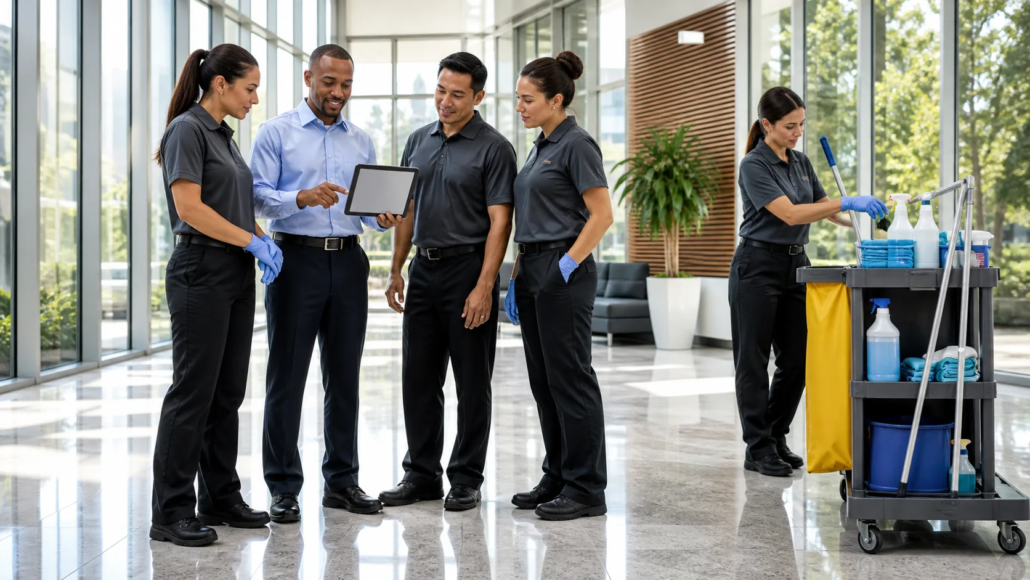
- At the end of a shift, take a few minutes to talk through the job using the app screen
This helps close the loop and avoids the habit of guessing or skipping screens just to save time. It creates a routine where checking off tasks becomes as much a part of the shift as the cleaning itself.
Dynamic task lists in freshOps update during every shift, so team members see essential features play out live as they clean, mark tasks complete, and prepare for handover. This direct connection between task completion and app usage turns features into supportive tools. Over time, it also builds confidence and familiarity with the app, making each tool a natural part of the cleaning workflow.
Make Feature Use a Team Standard
One of the biggest problems we’ve seen is uneven use. Some staff lean into the app. Others skip it unless they’re reminded. If teams across sites are using it in different ways, things fall through.
- Set clear expectations across all shifts about when and how the app should be used
- Reinforce the habit across the team, not just with one or two people
- Make app use part of supervisor walkthroughs or mid-shift updates
When everyone has the same approach, it’s easier to track what’s done, who was there, and what needs follow-up. Standardised habits across teams also help new hires fit in faster and reduce confusion if staff switch sites. Strong habits that are part of workplace culture boost reliability and make each shift run smoother.
Let Attendance Data Guide Support
Time and attendance records aren’t just about payroll. They help show where things might need a second look. If the same names keep coming up for missed check-ins, late starts, or incomplete logs, it may not be a discipline issue, it might just be confusion about the app.
- Schedule short follow-ups when issues pop up in the data
- If gaps repeat, deal with them quietly and with support, not blame
- Pair up an experienced team member with someone who’s still finding their feet
Small problems in tech use often point to wider gaps in training or comfort. Being patient here pays off. Addressing issues early keeps them from turning into habits and prevents frustration among staff. Supervisors who actively monitor attendance data and follow up gently help to keep the team engaged and open to using the app correctly. A supportive approach builds trust and encourages staff to ask for help if they need it.
One Task at a Time: Avoid Feature Overload
It’s tempting to treat the app like a checklist itself, teach everything fast and hope it sticks. But when people are under pressure, teaching ten features at once just leads to more confusion. Spread things out.
- Focus on the feature that supports today’s shift
- Leave reports, extras, or back-end tasks for later weeks
- Revisit each feature briefly during a weekly round-up or tail-end of a shift
This is especially helpful for teams with different levels of confidence around new tech. By slowing down the rollout, we give staff more room to get it right. One feature at a time lets team members find value in the app without feeling overwhelmed. Weekly reviews can reinforce best practices and offer extra help where needed, helping to maintain steady progress and stronger habits across the team.
Helping Habits Stick with Time
The best way to teach an app is to make it part of the day without turning it into a hurdle. If cleaners see how it fits with how they already work, they’re less likely to resist and more likely to build regular habits.
We’ve found that steady feedback, patient re-explanation, and tying features to tasks already underway make the biggest difference. The learning doesn’t need to be formal or done all at once. It just has to move at a pace that suits the job, not slow it down. When that happens, the app becomes useful, not something extra. Staff know what it’s for, how to use it, and how it ties back to the shifts they’re already doing. That’s when things really start to click. Positive reinforcement from supervisors, as well as encouragement, helps these new habits feel rewarding, not forced. As they see consistent results, team members begin to rely on the app as a supportive partner instead of a chore, and small improvements start to add up.
Build Real Cleaning App Habits That Stick
Struggling to get everyday value from a cleaning services app? Sometimes it comes down to how your team uses it during shifts, from task check-ins to real-time feedback. At freshOps, we build systems that blend seamlessly into your team’s workflow, helping to establish good habits early and address small issues before they grow. Let’s connect to find out how we can support your success.