Using Cleaning Apps for Daily Highlights at Briefings
Shift changes can often feel rushed. By the time one crew finishes up and the next arrives, there’s barely time to go over what’s been completed or what still needs attention. That’s where having daily briefings with clear, up-to-date info really makes a difference.
When we use a cleaning services app that offers real-time updates and daily logs, we take pressure off both ends of the shift. Everyone gets the highlights of the last job without needing to track someone down for answers. It makes those short handover windows more useful. Instead of starting from scratch, our teams start with a clear picture. It’s a simple change that brings more confidence, better timing, and fewer missed details from the shift before.
Using Daily Highlights to Streamline Briefings
Starting each shift with a quick update sounds easy enough, until the info we need is either not written down or already lost. Automatic shift logs fill that gap by creating a straightforward summary of what happened while the team was onsite. It’s not fancy, but it’s consistent, and that usually leads to a better briefing every time.
Here’s what those highlights typically help with:
- Flagging things like missed tasks or unplanned delays
- Noting unusual site entry or exit times
- Catching reporting gaps before the next team arrives
Instead of needing someone to talk through every task, we just check the brief. Supervisors can prepare that handover while the team finishes their shift without delay. A cleaning services app that automatically gathers task and time data makes shift changes less stressful for everyone. We don’t have to piece things together from memory or scribbled notes.
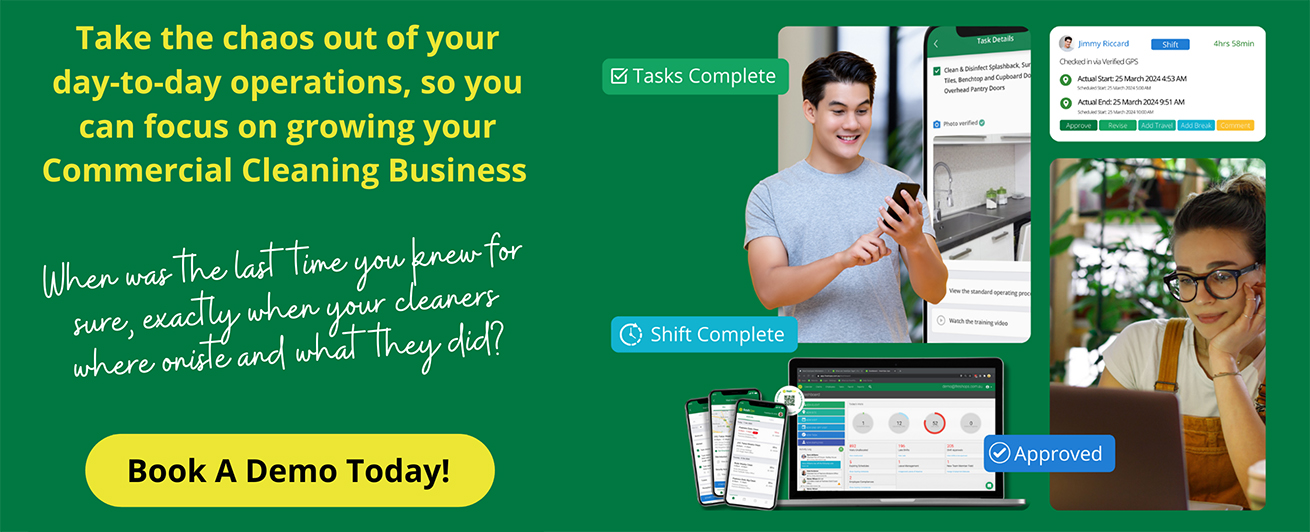
freshOps allows you to track daily cleaning progress, site entry and exit records, and missed duties in one dashboard, giving supervisors a real-time feed of all shift highlights.
Pulling Real-Time Data from Time and Attendance
One thing we rely on more than most is knowing exactly when our teams check in and out. It’s not just about tracking hours. It helps us understand how the shift flowed. If someone clocked in late or checked out early, we know straight away. That makes it easier to plan the handover or spot where things might have fallen behind.
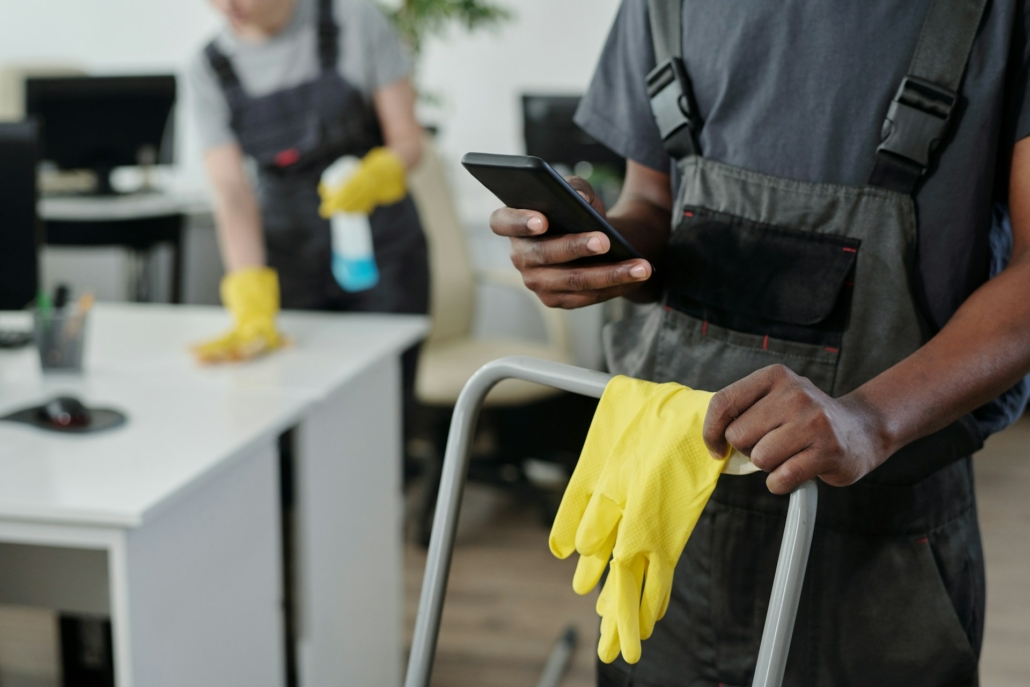
Mobile check-ins are especially helpful. No queues at the office, no scanning paper sheets, no guesswork. Everything is logged at the time it happens. From a supervisor’s view, this means they can see who was present and how long they stayed on site, without needing to ask for updates.
When daily highlights include this level of accuracy, we can be more confident in what we’re passing on to the incoming shift.
Syncing Task Completion Directly into the Daily Summary
Along with knowing when the shift started or ended, we also need to have a clear view of what got done. That part is often harder to chase, especially when cleaning tasks vary by day, contract, or site type. A cleaning services app that links task completion into the daily highlight keeps things simple.
Instead of leafing through paper checklists or sending end-of-shift texts, supervisors can see:
- Which tasks were completed and checked off
- Jobs that were started but not finished
- Areas flagged for a revisit
This helps us match staff time on site with actual progress. Were two people on for three hours each, but only four out of ten tasks finished? That kind of gap is easier to spot when task lists update in real time. And because cleaners can check off work throughout the shift, the log builds itself without extra effort. That saves time on both ends and gives us something solid to review at the next briefing.
freshOps’ dynamic cleaning checklists sync in real time, so completed work, missed jobs, and flagged comments appear right away for any supervisor running a handover or review.
Training New or Temp Staff Using Briefing Highlights
Not every employee is familiar with each site. Sometimes we’ve got temps coming in. Other times, a regular team member is filling in somewhere new. Either way, they’re already adjusting to a fresh routine. That’s where short, clear shift summaries help us bring someone up to speed without slowing things down.
When a new cleaner arrives and we can quickly show them what happened during the last shift, like which jobs were skipped or where there was an access issue, they begin with the same awareness the regular team had. We no longer need to explain the entire plan from scratch.
A cleaning services app that logs all this in one place makes briefings more helpful for those unfamiliar with the site or new to the job. They spend less time asking around and more time getting set. We’ve found that new starters settle in faster when they aren’t left guessing.
A Smarter Way to Keep Everyone on the Same Page
When every workday ends with a clear picture, it’s much easier to start the next one right. Shift highlights built throughout the day give us a steady baseline to work from. They pull together time records, task lists, pauses, and punch-outs, all without the need for extra reminders or slip-ups.
That’s the difference between showing up with a sense of direction, or wasting the first half hour asking what’s been done. Once we start using these tools, briefings stop just being routine and actually help shape the next shift. They keep communication sharp and give each team the clarity they need to move forward, even when schedules change or teams vary by site.
Handovers That Keep Your Team Moving
We’ve seen how better shift handovers lead to stronger teams and fewer gaps. When the right tools are in place, updates do not fall through the cracks or add stress to the day. A smart way to do that is by using a cleaning services app that connects time logs, task lists and daily summaries in one place. At freshOps, we shape our tools around how cleaning teams actually work, making it easier to keep everyone on the same page. Ready to get started? Contact us and we will walk you through the setup.